
A minimal, fast & customizable Android launcher
Mango Launcher gives you a clean, private home screen with custom icons, fonts, widgets, app folders, daily wallpapers and a unique physics-based layout.
Give us FeedbackMinimal home screen
A clean home, your way
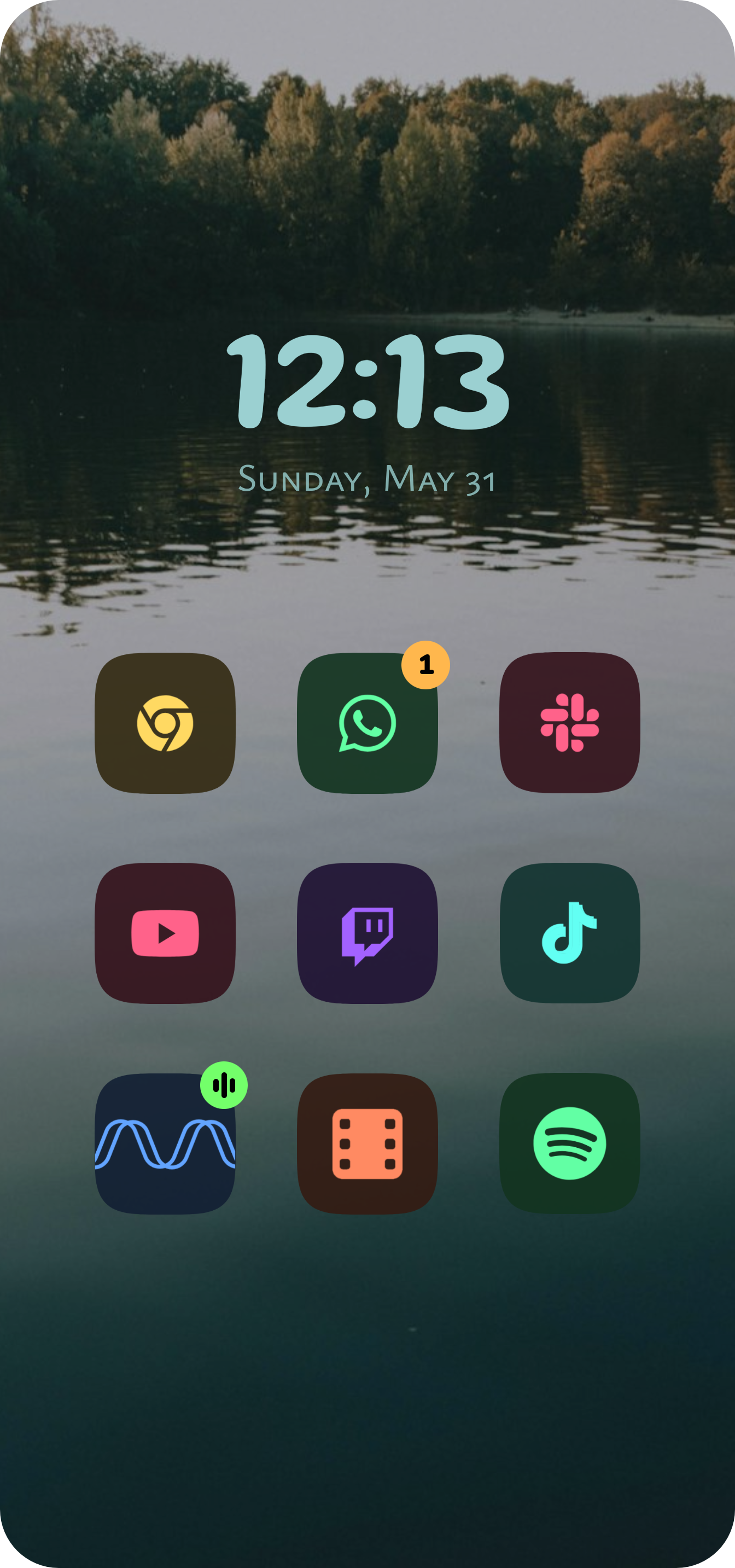
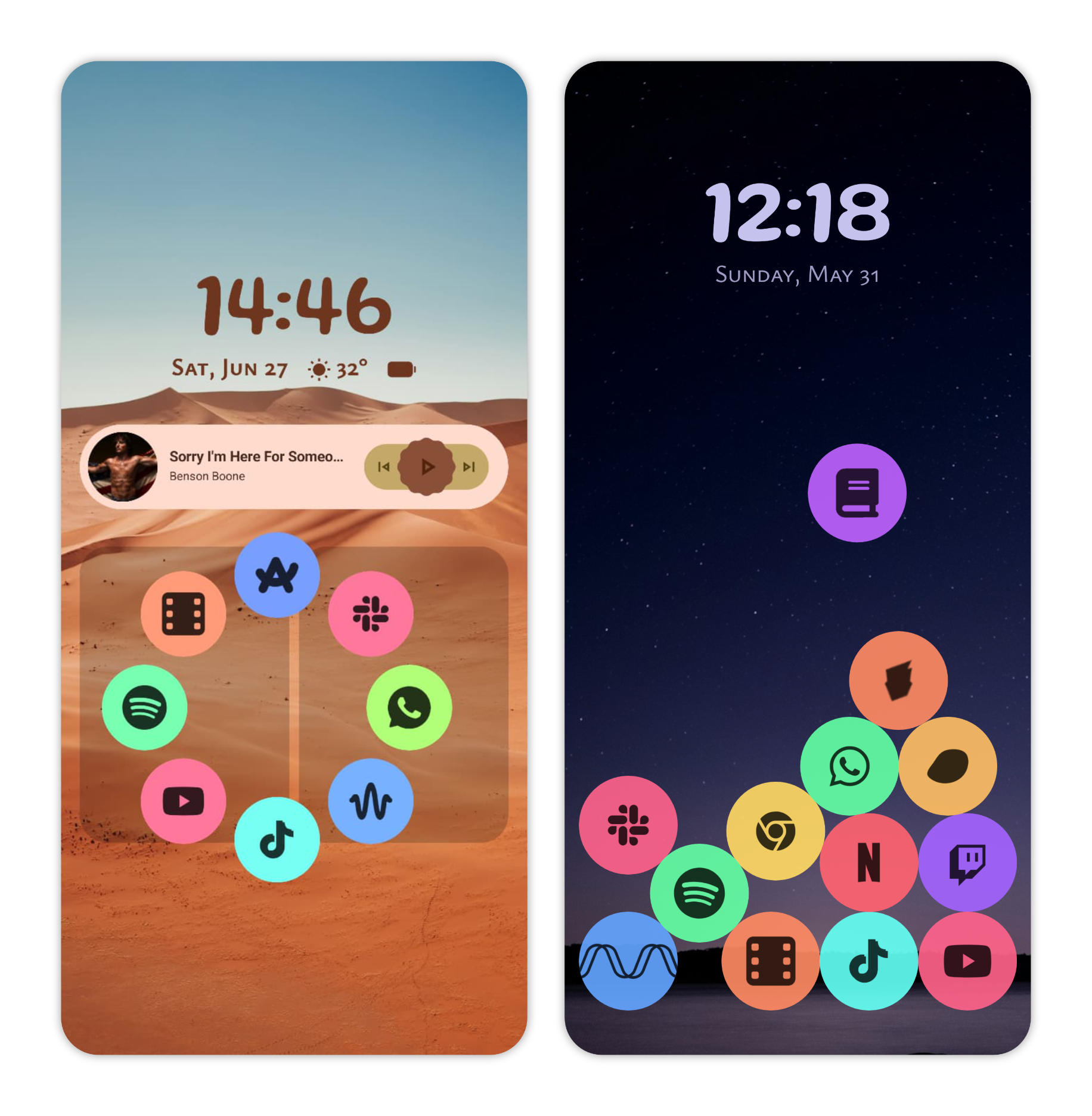
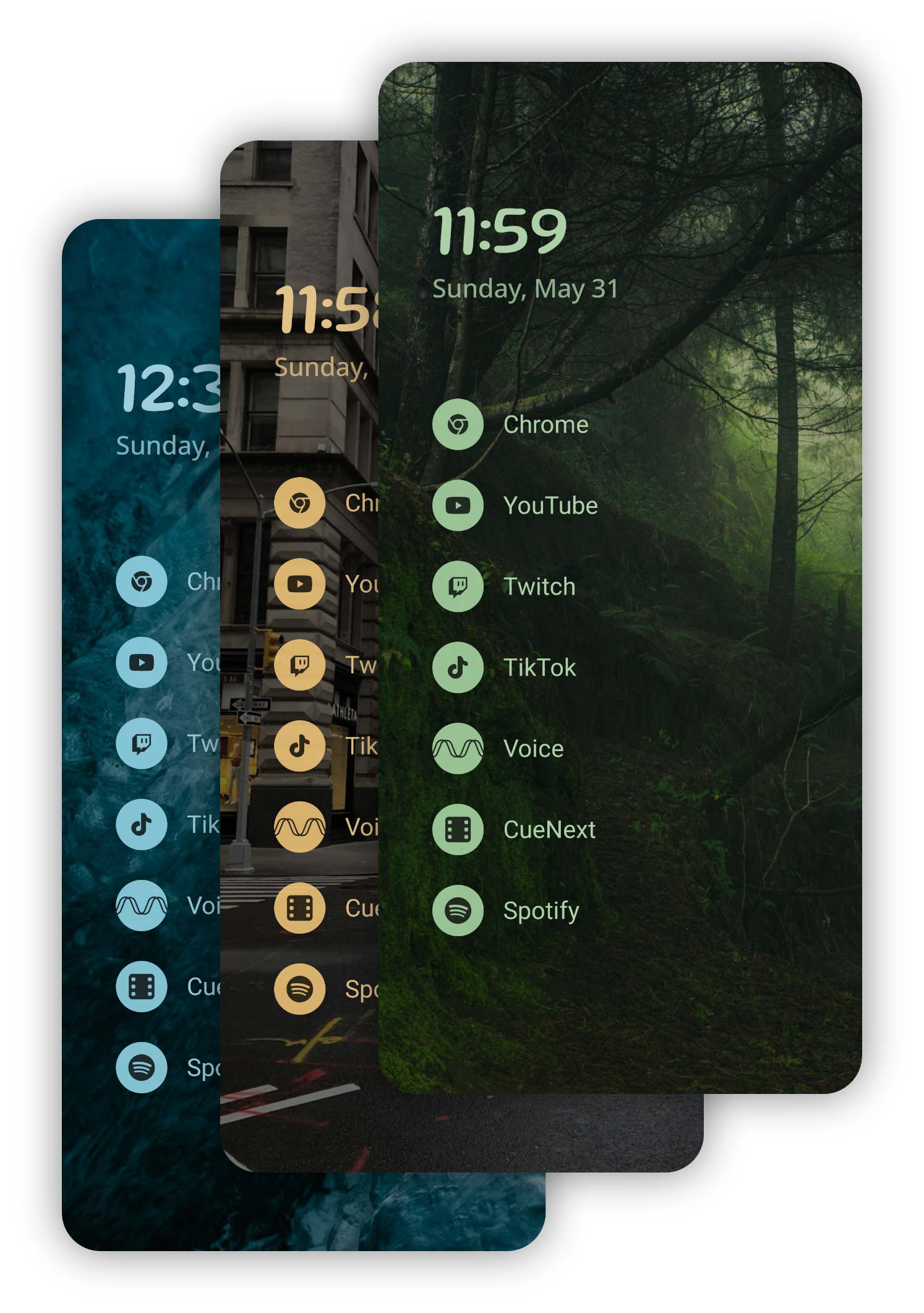
An uncluttered home screen that puts your most important apps front and center. Choose a list or grid layout, or try our unique physics-based layout where your apps become balls that pile up and respond to your phone's movement.
Scribble
A sketchpad that launches apps
Draw letters to instantly search your apps, or create your own drawing shortcuts. Sketch a heart, a spiral or any shape you like and have it open an app, jump to a website or trigger a system action.
Deep customization
Make it truly yours
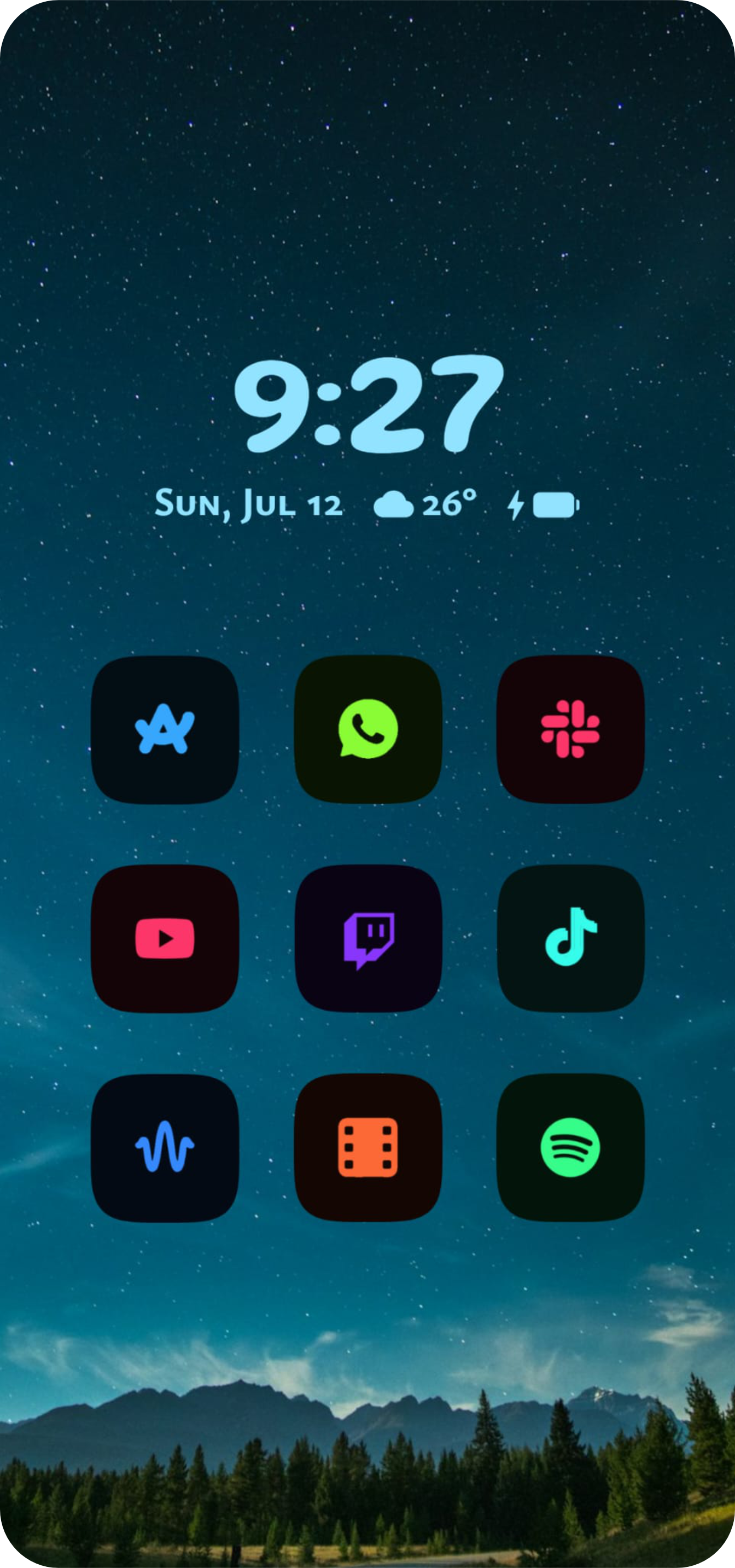
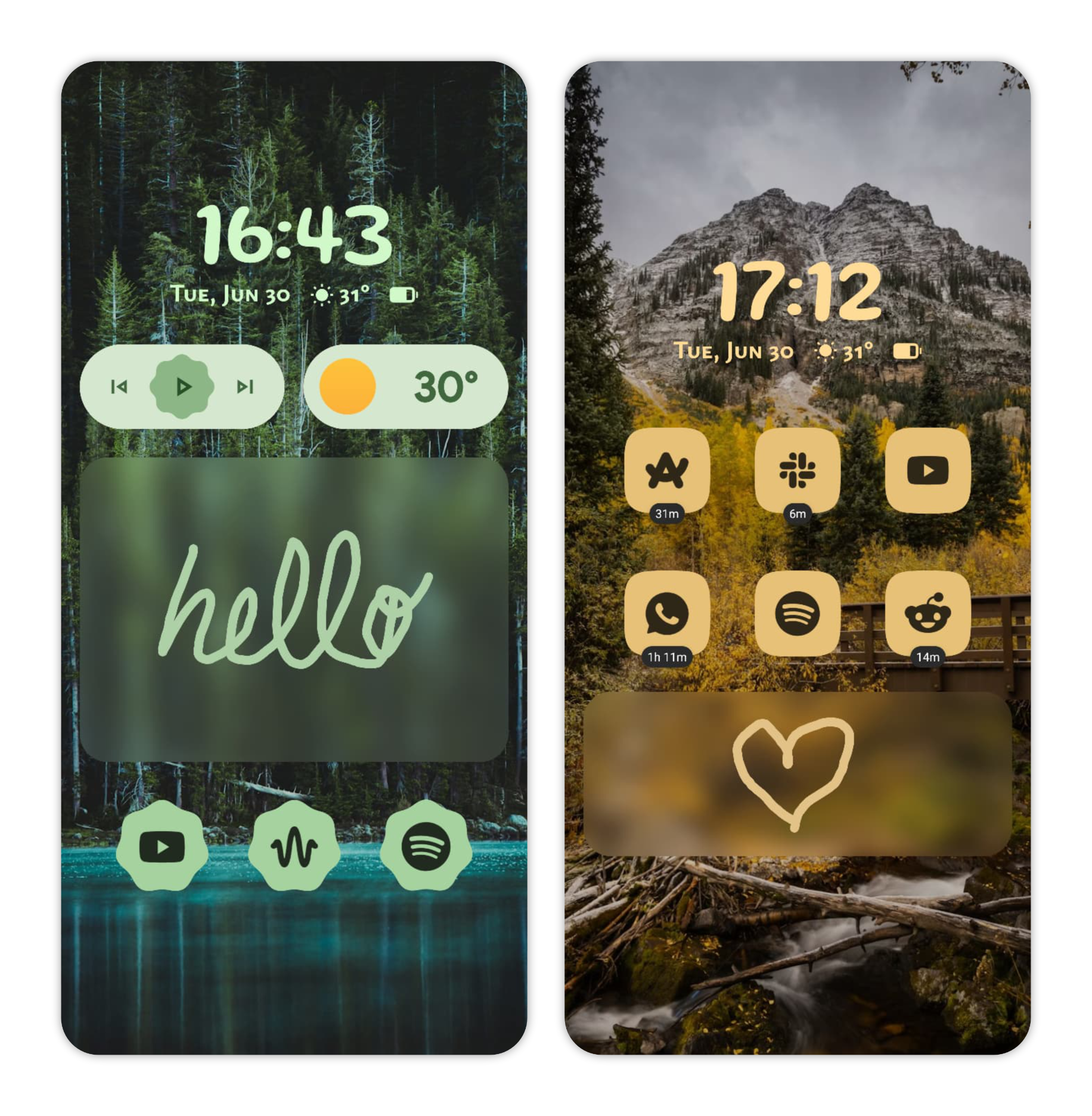
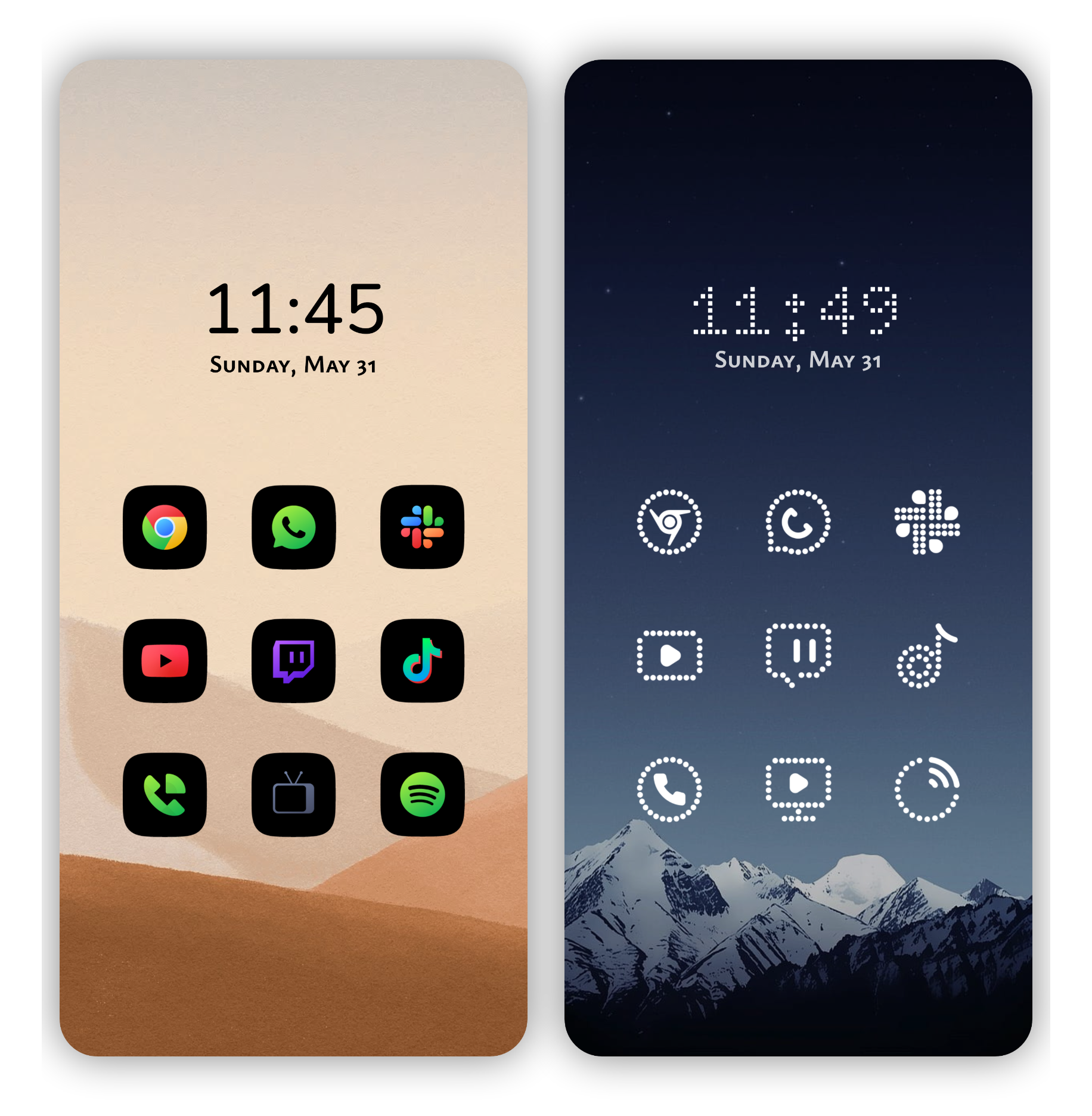
Use any icon pack, reshape icons with adaptive shapes, pick from a wide range of bundled fonts, and set an accent color from your wallpaper or your own. Rename or hide any app.
Unique layouts
Creative layouts
Go beyond the ordinary home screen. Try the physics layout, where your apps become balls that tumble, collide and pile up under real gravity, responding to your phone's tilt and movement. Or use the Pie layout, a gesture-based radial menu you summon by swiping in any direction to launch your apps in an instant.
Daily wallpapers
A fresh look every day
A beautiful new wallpaper every day, picked from a variety of themes, or browse, favorite and apply your own.
Widgets
Widgets where you want them
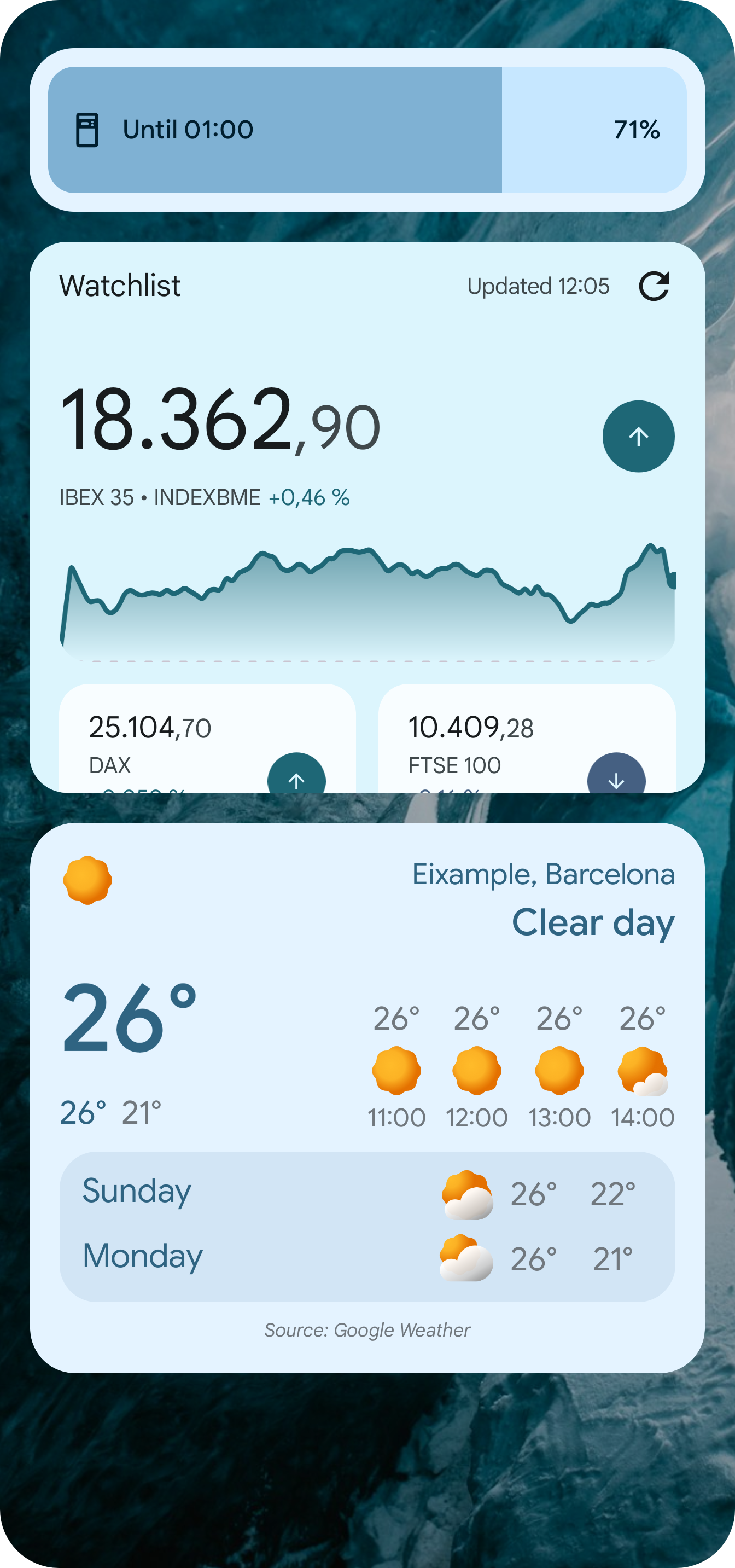
A full widget screen with a flexible grid. Freely resize, move and arrange widgets across multiple pages, and place stacks of widgets on your home screen or inside app folders.
Powerful app drawer
Find any app instantly
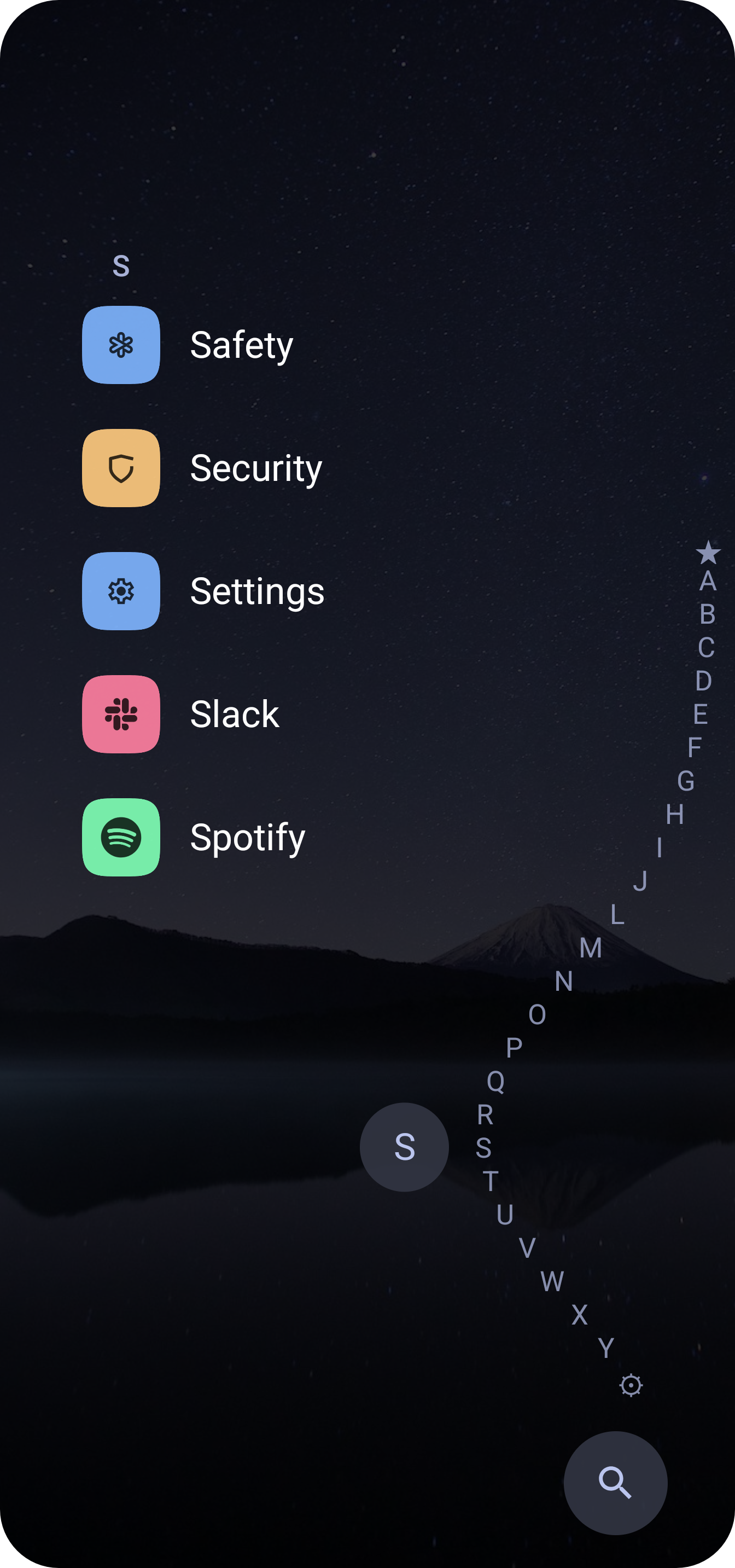
Quickly search your apps and automatically open the first result. A one-handed alphabet scrubber lets you jump to any app with a single drag.
App folders
Everything in one place
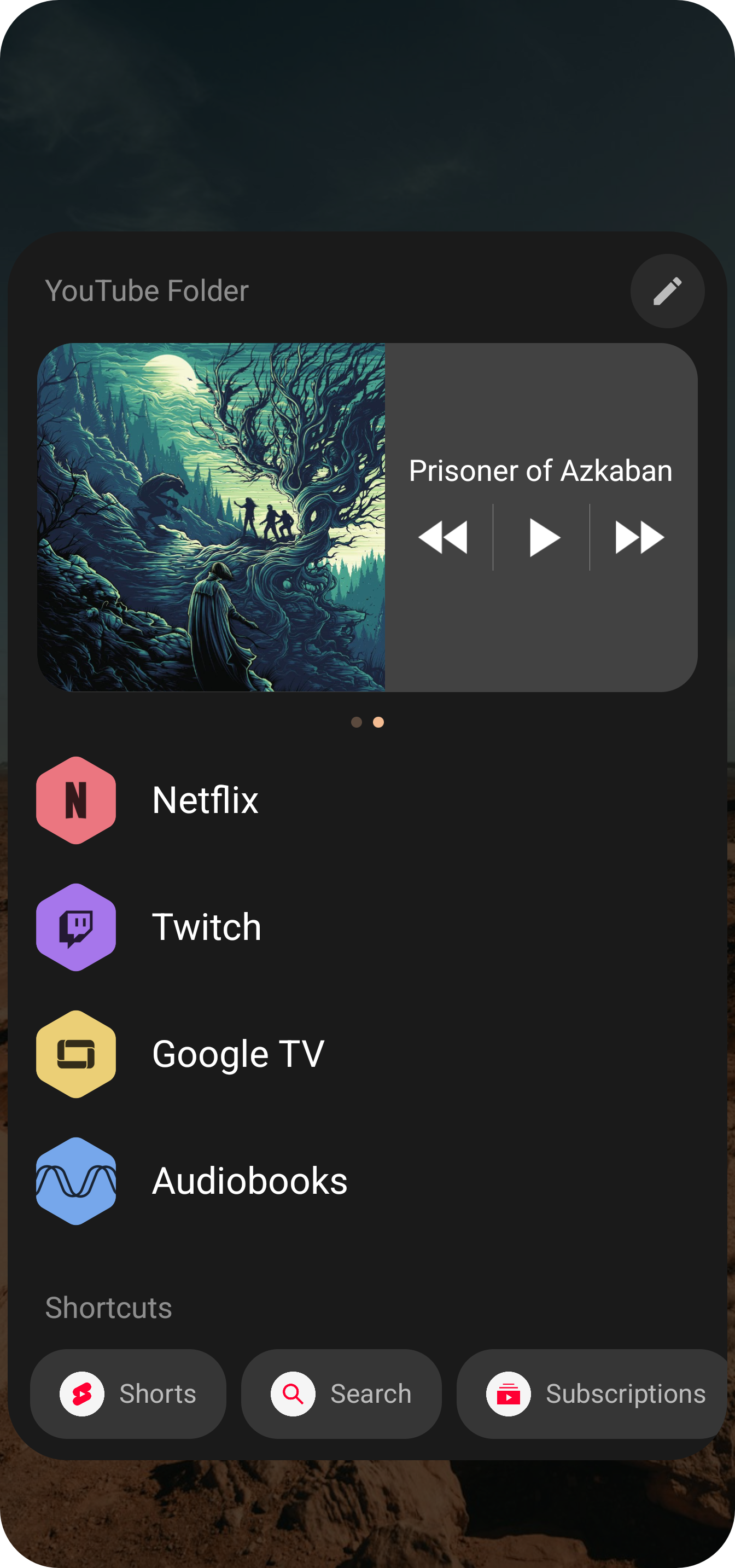
Each app is a folder that can hold related apps, widgets and app shortcuts, all in one place.
Notification badges
Stay in the loop
See unread counts on your home screen, drawer and folders as a dot or number, plus an animated badge for media that is playing.